
If the homepage loads, is your business website actually working?
A manufacturer’s homepage may load while its technical catalogue cannot be downloaded. A consultancy’s navigation may work while its booking link points to an obsolete address. These are illustrative situations, not measured incidents from our client projects. The first maintenance decision is whether to monitor a response alone or also the visitor’s important task. A green status indicator only describes the scope of the check behind it.
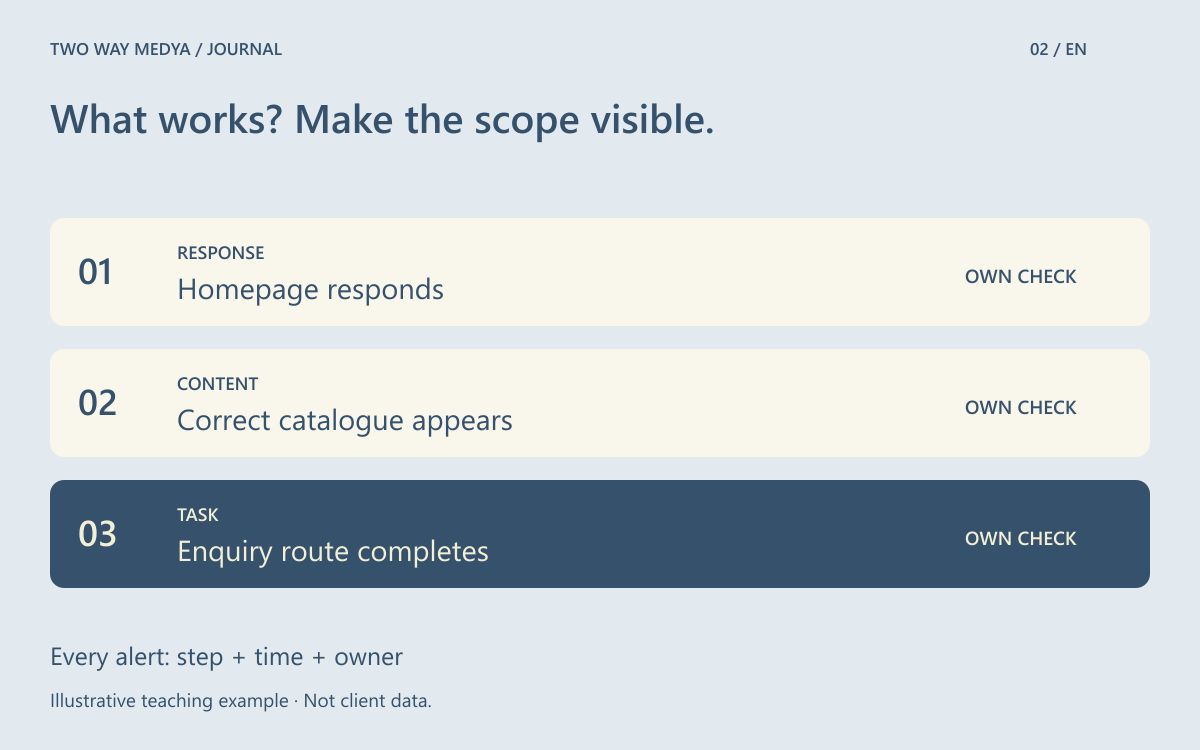
Choose three important business tasks
Start with the routes customers need rather than treating every page as equally important. For the example manufacturer, choose finding a product, downloading its technical document and opening an enquiry channel. Define the starting URL, expected content and stopping point for each check. A frequently shared product page can be more important than a homepage selected only because it receives more visits.
Separate response checks from journey checks
Google Cloud’s documentation distinguishes uptime checks from synthetic monitoring that can test a sequence of actions. The distinction helps define scope without committing to that provider. One check can confirm a response, another can look for an expected catalogue heading, and a journey can follow the product link to its document. Choose the evidence needed before selecting or purchasing a monitoring service.
Define the side effects of a check
Reaching an enquiry button and sending a real enquiry are different tests. Repeated live submissions can generate false sales work and unnecessary customer records. Stop at read-only steps where possible. When an end-to-end submission is necessary, use an isolated test recipient, clearly identified records and an agreed cleanup process. Keep payment, stock reservation and real customer notifications out of ordinary availability checks.
Give an alert an owner and useful context
An alert should identify the URL, failed step, observation time and result of a repeat check. Agree thresholds that distinguish brief connection problems from repeated failures, taking the team’s capacity into account. There is no universal interval for every business. Name a primary contact and a backup. If notifications depend on the failed website itself, the reporting route may disappear during the incident.
Include maintenance and recovery
Give planned maintenance suppression a defined beginning and end, with re-enabling monitoring on the completion checklist. After an incident, repeat the customer tasks rather than merely checking that an error page has vanished. A restore rehearsal answers whether information can be recovered. Monitoring helps detect a problem. Keep the two outcomes distinct even when the same team owns both activities.
Review the scope each month
Ask which alerts helped and which failures were outside the checks. Update the task list when a language, product category or contact tool changes. The last successful check does not prove uninterrupted availability between observations. State the frequency and excluded steps in the report. Discussing website maintenance through this task list makes the difference between a reachable page and a working service concrete.
Frequently asked questions
Will an uptime check find every problem?
No. Its coverage depends on the URL, interval and success conditions. Visual, language and some interaction defects need separate checks.